
Skribisto is a writing app for novels, from the first idea to the finished manuscript.
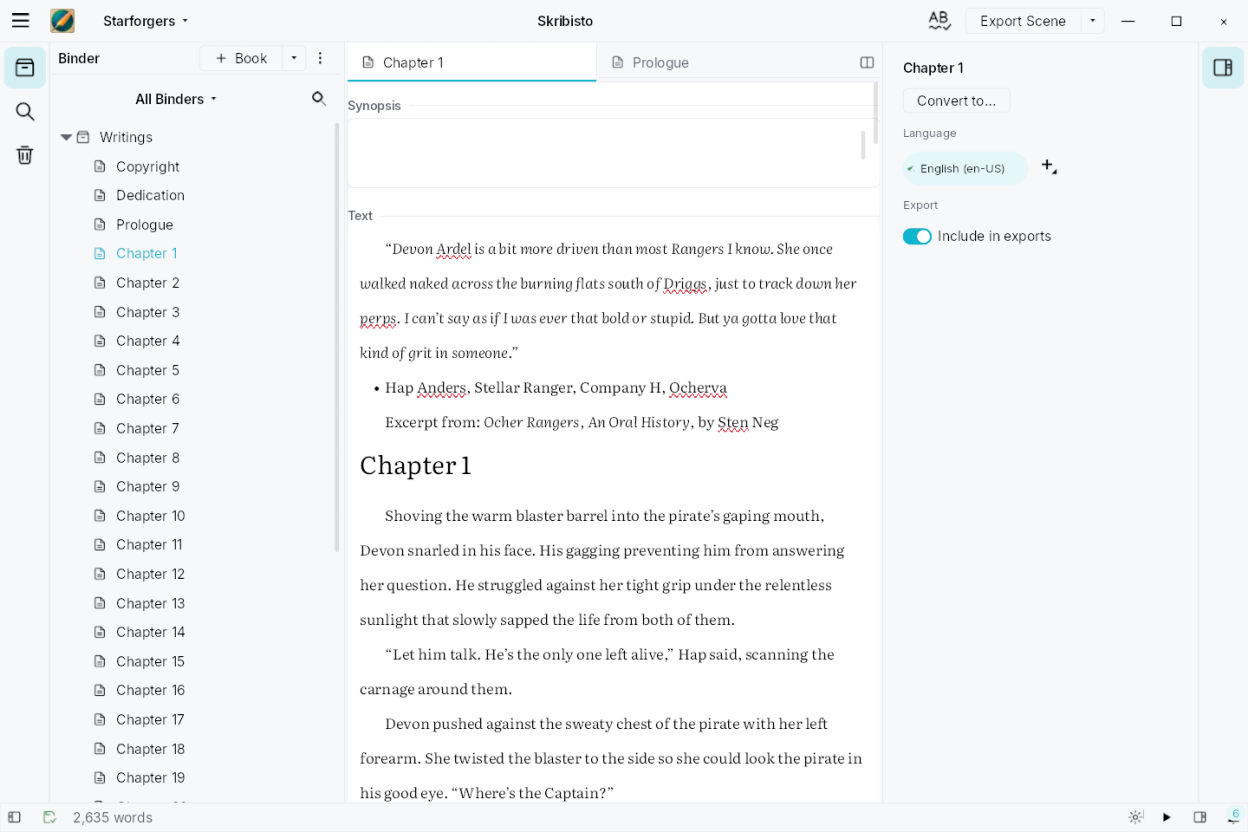
- Split panes and tabs, and a whole chapter, part or book readable as one text
- Corkboard, story bible, margin comments and footnotes
- Word goals, writing sessions, pace planning and manuscript analysis
- Statuses you name yourself, from first draft to final
- Import from Scrivener, Manuskript, Plume Creator, Word, OpenDocument or Markdown, comments included, with a report of anything left behind
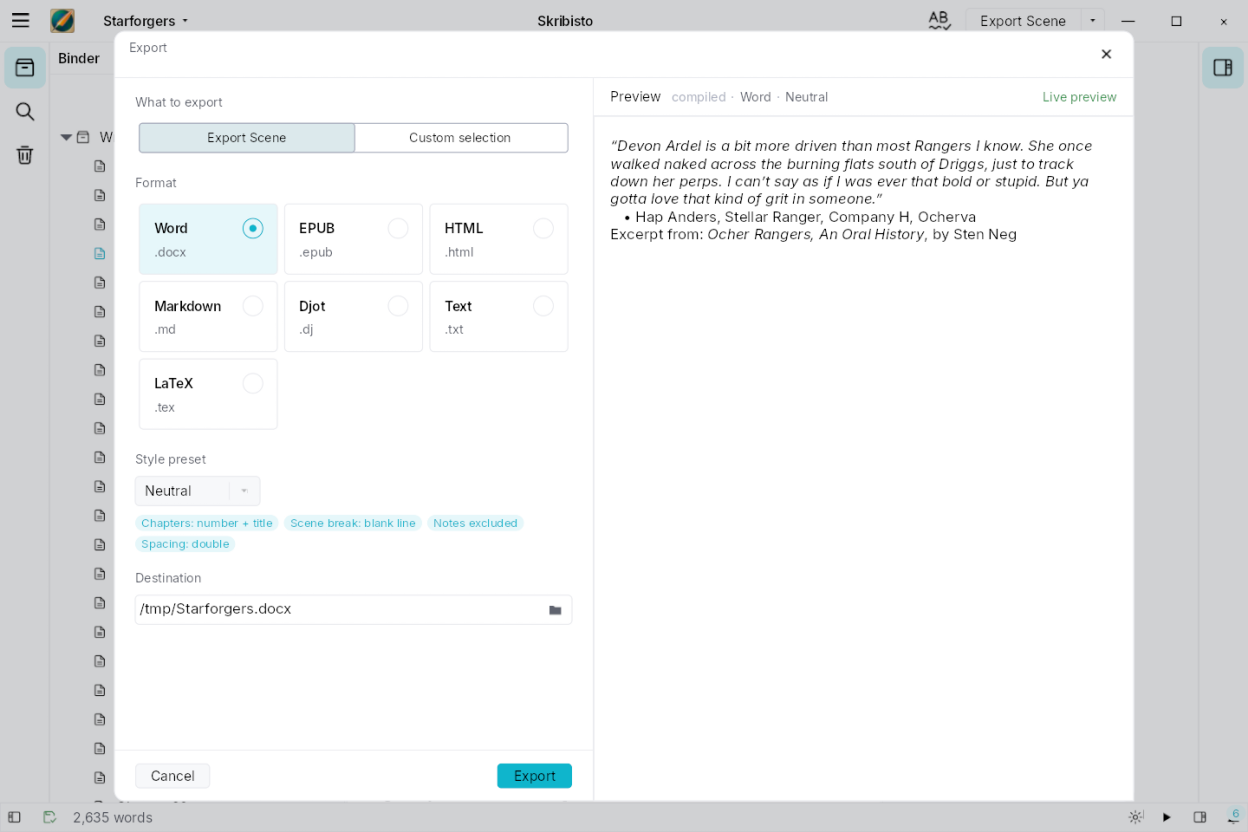
- Export to DOCX, ODT, EPUB, PDF and more, and finish the page layout in the program you prefer
- Search and replace, autosave, backups and version history
- Spell checking, smart punctuation and 24 interface languages
- Built for accessibility: screen readers, braille displays and keyboard shortcuts
Screenshots
Observed history
| App | Change | Version | When ↓ |
|---|---|---|---|
| updated | 3.2.0 → 3.2.1 | 15 Oct 2026 | |
| updated | 3.2.1 → 3.2.0 | 15 Oct 2026 | |
| updated | 3.2.1 | 15 Oct 2026 |
Upstream releases
Release notes supplied by the developer. These dates are not Flathub package publication times.
3.2.115 Oct 2026
- Typing in the command palette keeps every character you type. Only the last character used to stay, because each key replaced the whole search
- On a new installation, the margin marks now show the dialogue texture from the start: one bar per paragraph, showing how long it is and how much of it is spoken. If you already use Skribisto, nothing changes for you: turn it on or off in Settings ▸ Editor ▸ Margin marks
- A paragraph you start by typing a hyphen, an asterisk or 1. followed by a space becomes a bulleted or numbered list. Press Backspace right after to keep what you typed as text, or turn it off in Settings ▸ Editor ▸ Punctuation defaults. Where the dialogue dash is on, a hyphen still opens a line of dialogue
- The bulleted and numbered list buttons, in the Format panel and the Format menu, now show when the cursor is in a list, and pressing one again takes the paragraph out of the list. In a list of the other kind, the button turns the whole list into bullets or numbers