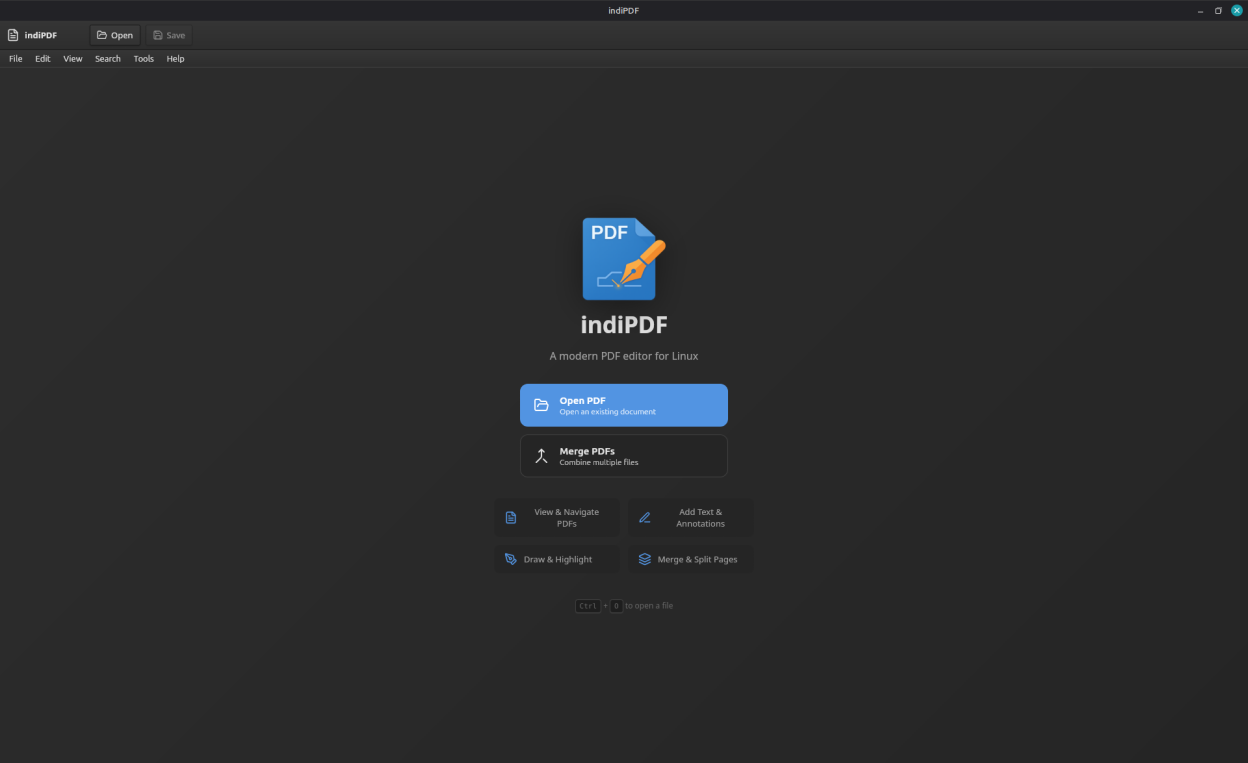
indiPDF is a comprehensive PDF editing application designed specifically for Linux. It provides all the tools you need to view, annotate, edit, and manage PDF documents with a native GTK-styled interface that integrates seamlessly with your desktop.
Features include:
- View and navigate multi-page PDF documents
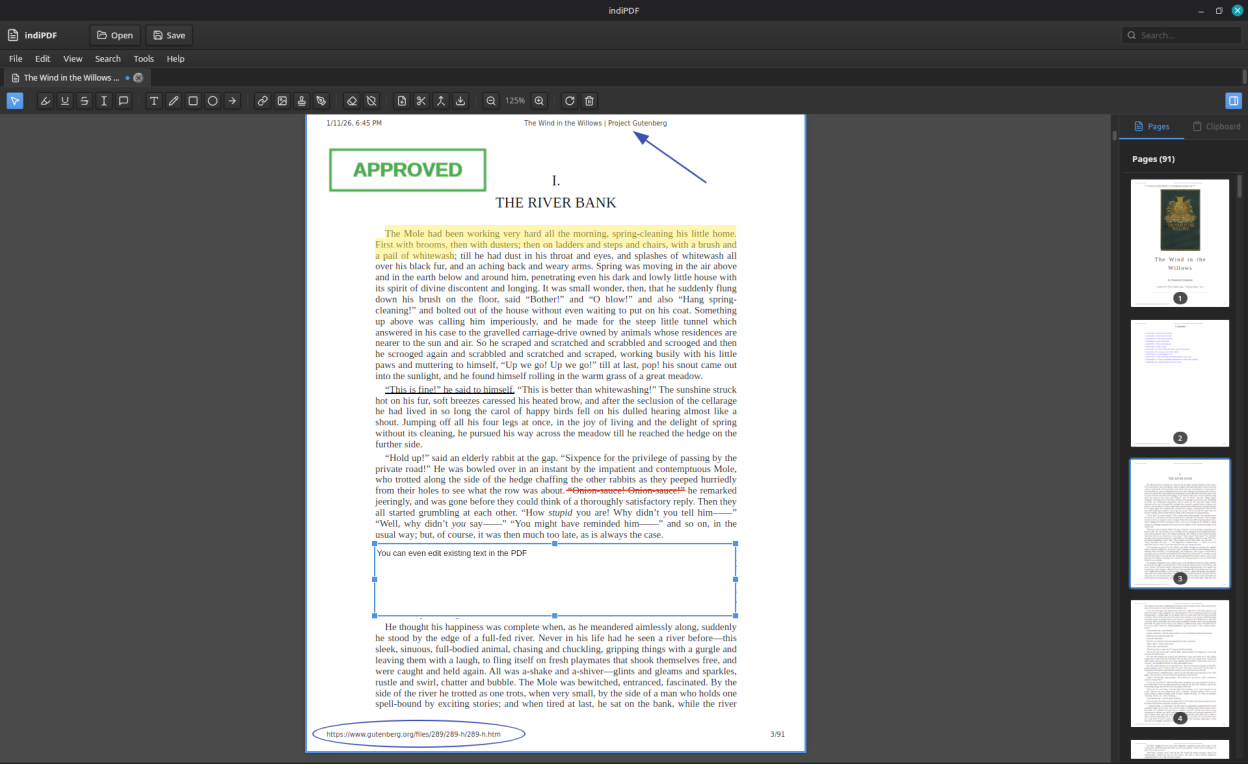
- Edit text in existing PDF documents
- Highlight, underline, and strikethrough text
- Add text annotations and sticky notes
- Draw freehand with customizable colors and stroke widths
- Insert shapes: rectangles, circles, lines, and arrows
- Add images to your documents
- Create and manage digital signatures
- Fill out PDF forms, including Adobe XFA forms that other readers show as a blank placeholder
- Merge multiple PDFs into one
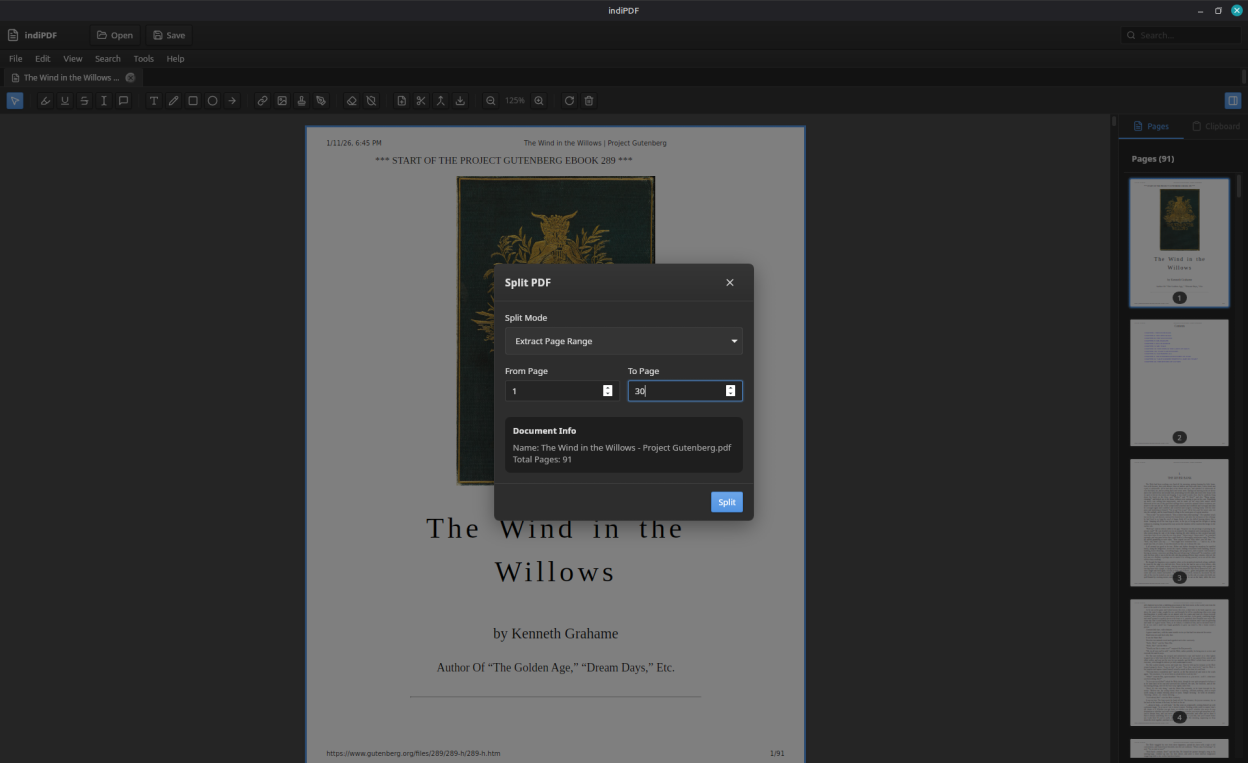
- Split PDFs and extract pages
- Rotate, reorder, and delete pages
- Export pages as images (PNG, JPEG, WebP)
- OCR (Optical Character Recognition) for scanned documents
- Scanner support via SANE for digitizing paper documents
- Add non-PDF files (images, Office documents) to your PDFs
- Automatic update checking
- Built-in text search across documents
- Dark mode support following system preferences
indiPDF respects your privacy and works entirely offline. Your documents never leave your computer.
Screenshots
Observed history
| App | Change | Version | When ↓ |
|---|---|---|---|
| updated | 2.3.0 → 2.3.1 | 16 Oct 2026 | |
| updated | 2.3.0 | 13 Oct 2026 |
Upstream releases
Release notes supplied by the developer. These dates are not Flathub package publication times.
2.3.115 Oct 2026
Preferences in one place, and light or dark chosen for indiPDF alone:
- Edit → Preferences gathers the theme, interface size, page appearance, language, default zoom, printing, security warnings, your saved details and the measuring scale.
- indiPDF can be kept light or dark whatever the desktop uses, or follow the desktop as before.
- Colour scanning works with Brother scanners whose driver names its modes with brackets, such as "24bit Color[Fast]".
2.3.011 Oct 2026
Forms filled from your saved details, work recovered after a crash, headers and footers, find and replace, and measuring:
- Fill In My Details fills your name, date of birth, address and contact details into a form's fields for you to review, leaving fields about other people alone. Your details stay on your computer.
- Unsaved work is kept safe while you edit and offered back after a crash, a power cut or a forced quit.
- Headers and footers with page numbers, dates, titles and file names, drawn into every page.
- Find and Replace changes a word or phrase throughout a document, each occurrence listed for review.
- Measure distances, perimeters and areas to a scale, set from a preset, a ratio, or a line of known length.
- Repeating sections of Adobe XFA forms can be added and removed, keeping what has been typed.
- Exporting to Word or Writer without a converter, as in the Flatpak, keeps paragraphs, headings, bold and italic instead of one paragraph per line.
- PDFs dragged onto the window open, each in its own tab.
- Help → Make indiPDF the Default PDF App shows how to make indiPDF open PDFs when they are double-clicked.
2.2.87 Oct 2026
A licence you can buy from the watermark notice:
- The notice shown when saving, exporting or printing without a licence offers to buy one or take a key on the spot, and the file being saved comes out without the watermark once a key is entered. Carrying on with the watermark is one click, as before.
- The License window lists what a licence actually changes rather than features that already work without one.
- The licence agreement, now version 1.1, says that a licensed copy can remove watermarks from files saved earlier, and lists printing alongside saving and exporting.
2.2.76 Oct 2026
Formatting in text boxes kept, on screen and on paper, and locked forms that can be saved again:
- Bold, italic and underline applied while typing into a text box are kept when the box loses focus, rather than vanishing.
- Saving, printing and exporting draw each part of a text box in its own style, so bold words, underlines and differing colours and sizes within a box come out as they look on screen.
- Forms encrypted at 128 bits to prevent changes, as many government forms are, are unlocked on opening so they can be saved after filling in. Previously they could be filled in but not saved.
- Digital signatures in a document are checked strictly, so certain malformed signatures are no longer reported as valid.